
How Siri Finds Local Businesses (And What You Must Do to Appear)
Every iPhone, iPad, Mac, Apple Watch, HomePod, and Apple TV comes with Siri built in. That's over a billion active Apple devices worldwide — and every one of them is a potential entry point for a customer looking for a local service business. When someone says "Hey Siri, find me a good plumber nearby" or "Siri, who are the best roofers in my area?", Siri is making a decision about which businesses to surface. Understanding how that decision is made is essential for any service business that serves customers in Apple-heavy markets.
Where Siri Gets Its Local Business Data
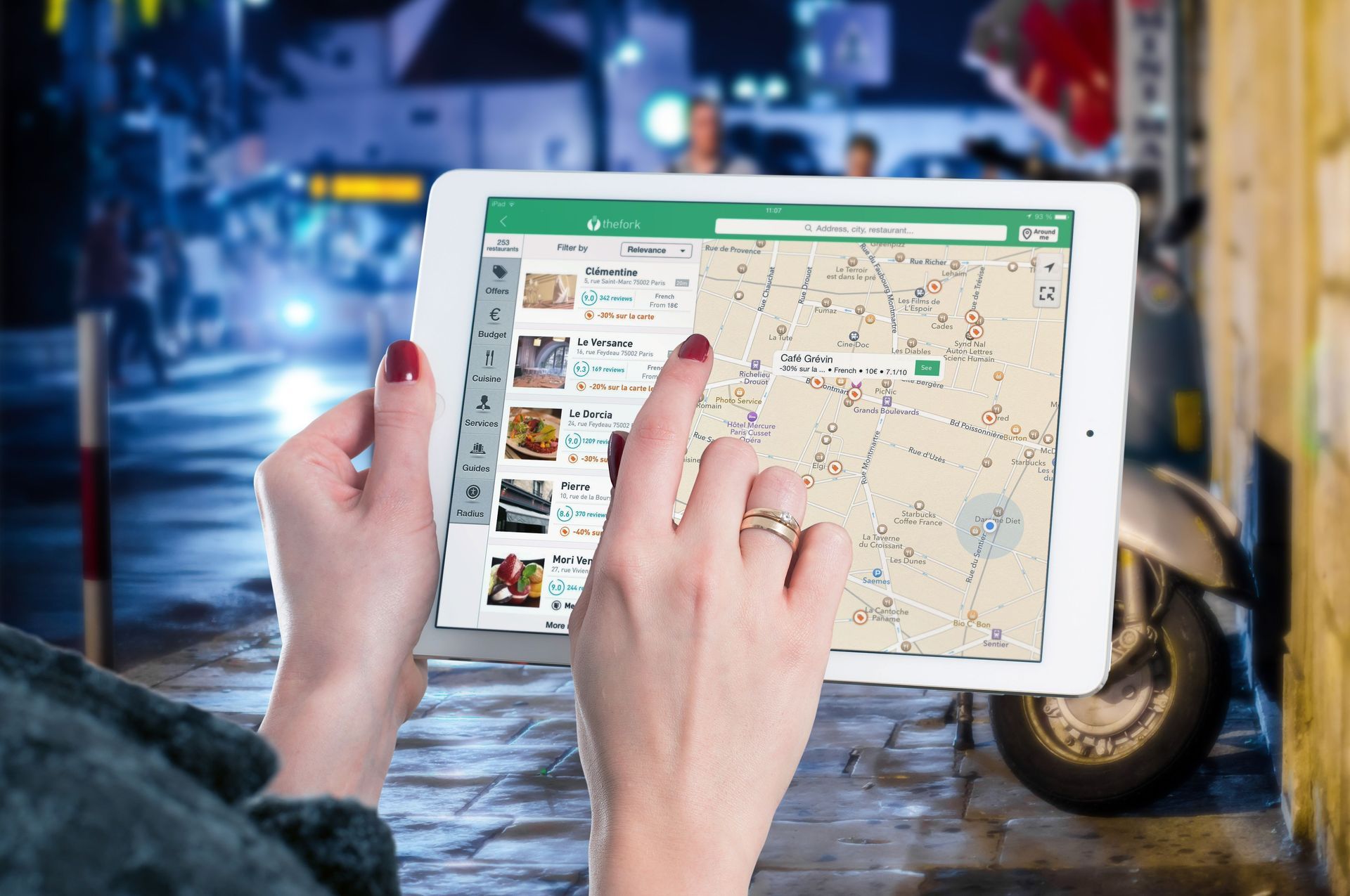
Siri pulls local business information primarily from Apple Maps . When a user asks Siri for a local service recommendation, the results Siri returns are the same businesses that Apple Maps would surface for that search. This means your Apple Maps listing is, in effect, your Siri listing.
Apple Maps data comes from two main sources: Apple's own crawlers and data partnerships, and the Apple Business Connect platform, where business owners can directly claim and manage their listings. Businesses that have claimed their Apple Business Connect listing and filled it out completely will consistently outperform those that haven't in Siri results.
Siri also pulls from the broader web for informational questions (not local directory queries), using Bing as its web search backend. For general questions about a service, Siri may cite websites that rank well on Bing. But for "find me a business near me" type queries, Apple Maps is the dominant data source.
How Siri Ranks Local Business Results
Siri uses several factors to rank businesses in its voice results: proximity to the user's current location, review quality and quantity (Yelp is a major review source for Apple Maps), completeness of the business listing, and overall entity confidence — how well-established and verified the business appears across multiple data sources.
For voice results specifically, Siri typically reads out only one to three options, unlike a visual search that might show ten results. This means the competition for voice placement is fierce: only the top result or two is going to be heard by the user. Strong review scores and complete listing information matter even more in this context.
Step 1: Claim and Optimize Your Apple Business Connect Listing
Go to businessconnect.apple.com and claim your business listing. You'll need to verify ownership — Apple sends a verification code to your business phone. Once verified, fill in every available field: business name, address, phone number, website, hours, services, photos, and business description. Pay special attention to your business category and subcategories — these directly influence which Siri queries your listing is eligible to appear in.
Add high-quality photos. Apple Maps prominently displays business photos, and a listing with no photos looks incomplete and untrustworthy to both Siri's algorithms and human users browsing results.
Step 2: Build Yelp Reviews
Yelp is Apple Maps' primary review source. Your Yelp rating and review count appear directly on your Apple Maps listing and are used by Siri to evaluate which businesses to recommend. A service business with 50 Yelp reviews averaging 4.7 stars will have a significant advantage in Siri results over a competitor with 5 reviews averaging 3.8 stars.
Build a systematic process for asking satisfied customers to leave Yelp reviews. Do not incentivize or solicit fake reviews — Yelp's algorithms are sophisticated at detecting this, and it can lead to account warnings. Genuine reviews from real customers are what count.
Step 3: Ensure NAP Consistency
Your business Name, Address, and Phone number should be identical on your Apple Business Connect listing, your Google Business Profile, your Yelp listing, and everywhere else you appear online. When Siri's systems see consistent information across multiple credible sources, they have greater confidence in your business data and are more likely to surface you in results.
Step 4: Add Services Detail
Apple Business Connect allows you to add a detailed list of services you offer. This matters because Siri uses service-level data to match queries to businesses. A plumbing company that has listed "water heater installation," "emergency drain cleaning," and "sewer line repair" as services will appear for those specific queries. A listing with only the generic category "Plumber" will miss those more specific long-tail queries.
Siri's local search capabilities continue to expand with each iOS update. Service businesses that invest in their Apple ecosystem presence today are building a visibility foundation that becomes more valuable as voice search grows.
Want help optimizing your business across Siri, Apple Maps, and all major voice platforms? PaperClick Marketing builds multi-platform visibility for service businesses. Let's make sure every platform knows who you are.
g magcosta is the founder of PaperClick Marketing, a digital marketing company focused on helping businesses become more visible to their ideal buyers. She implements content-driven organic traffic visibility strategies, to help businesses increase trust, search visibility, and buyer engagement. Your answers. Everywhere your customers are looking.
Connect with g on LinkedIn.
Let's talk about getting you more business.